Hospital and clinic teams
Prepare operational procedures, staff guidance and working documents in a shared space. Assign an owner for each document set and separate drafts from the version staff should use.

NEXTCLOUD FOR HEALTHCARE
Give hospitals, clinics and laboratories a private workspace for staff collaboration, operational documents and approved external exchange.
Explore DICOM and file previews ↓
 HealthcareFiles · Office · Talk

Hospital photograph: Waka77, Wikimedia Commons (CC0) ↗
NEXTCLOUD FILES · MEDICAL IMAGING
DICOM is the standard used to package medical images and their associated study information. With a compatible DICOM Viewer add-on enabled, users can open supported exports such as digital X-rays, CT and MRI images in their browser.
Clinical system boundary. Keep primary diagnosis and the authoritative archive in the institution’s designated clinical systems. Any clinical use or connection to PACS requires separate review, integration design and validation. DICOM headers and markings on the image can contain patient information.
DICOM Viewer in the Nextcloud App Store ↗Nextcloud’s imaging walkthrough ↗
Open a compatible X-ray, CT or MRI export from Files. Test the imaging modalities, series and encodings used by your institution.
Read a procedure, approved report or guidance document by selecting the file.
Open standard photos or plain-text notes directly from the file list. A JPEG exported from a scan is an image copy and carries different information from the original DICOM study.
Open and, with the right permissions, co-edit supported documents. Confirm the editor and file formats as part of deployment.
Play supported media from Files. Confirm compatibility with your browser and server configuration.
Browser viewing and file-list thumbnails are configured separately. Files without a compatible viewer may download instead. Confirm supported types on the planned Nextcloud version and browser.
Who uses the workspace
Give each team a clear place to work, with access tied to its role and the type of information it handles.
Prepare operational procedures, staff guidance and working documents in a shared space. Assign an owner for each document set and separate drafts from the version staff should use.
Coordinate approved exchange of protocols, quality documents and partner instructions. Route diagnostic results through the designated clinical system and review any separate transfer before bringing it into scope.
Collect audit evidence, service procedures and supplier documentation. Assign reviewers, record decisions in the designated system and agree what must be retained.
Define which data is eligible for the workspace, how staff and partners sign in, and who administers backups, restores and incident procedures.
A practical workflow
Give the quality team and nominated department leads a working copy. Use supported co-editing to collect input and define who owns the final revision.
Publish the approved copy to the staff workspace with the correct revision and effective date. Check that staff can find it from their normal workstation and recognize superseded copies.
Give an external laboratory or service provider access to the approved non-clinical documents it needs. Confirm what the recipient can see and when access ends.
Revoke temporary access after the work ends. Record the issued version and review evidence in the agreed quality or records system.
Nextcloud in practice
Official Nextcloud screens with demonstration content.
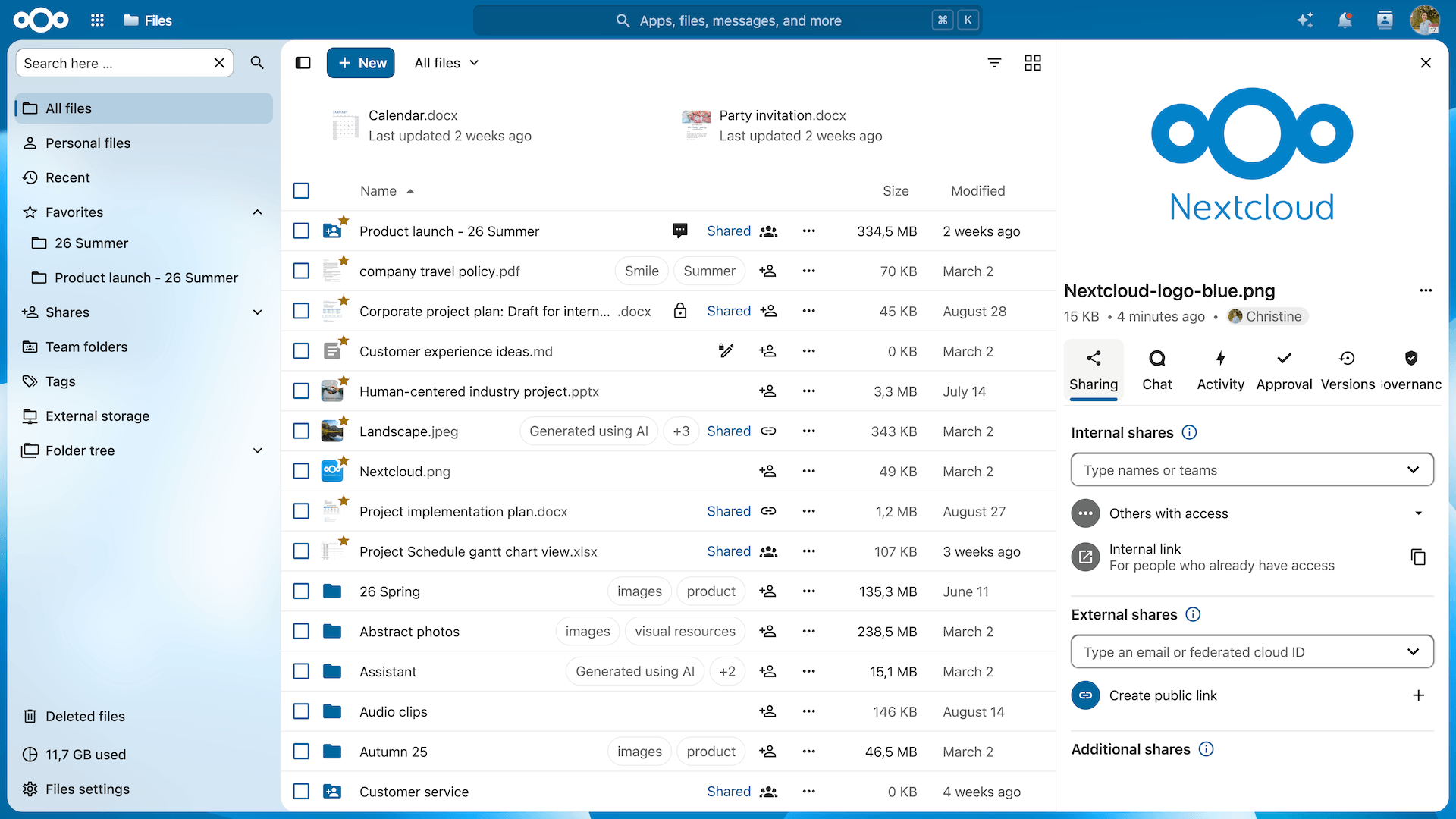
 Nextcloud Files
Publish approved procedures and share partner packs with defined access.
Official product page ↗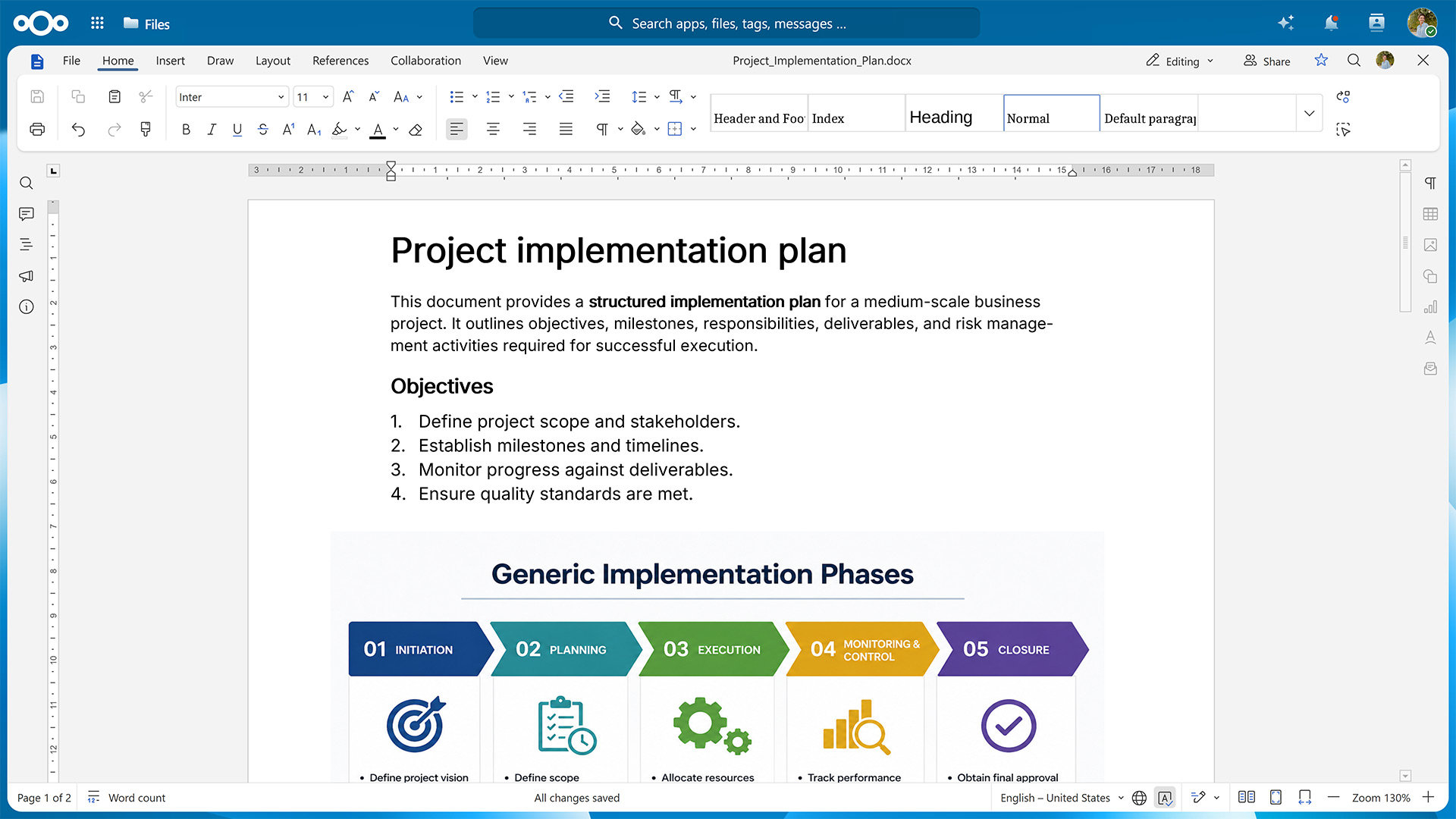
 Nextcloud Office
Co-edit supported policy drafts, meeting records and quality documents.
Official product page ↗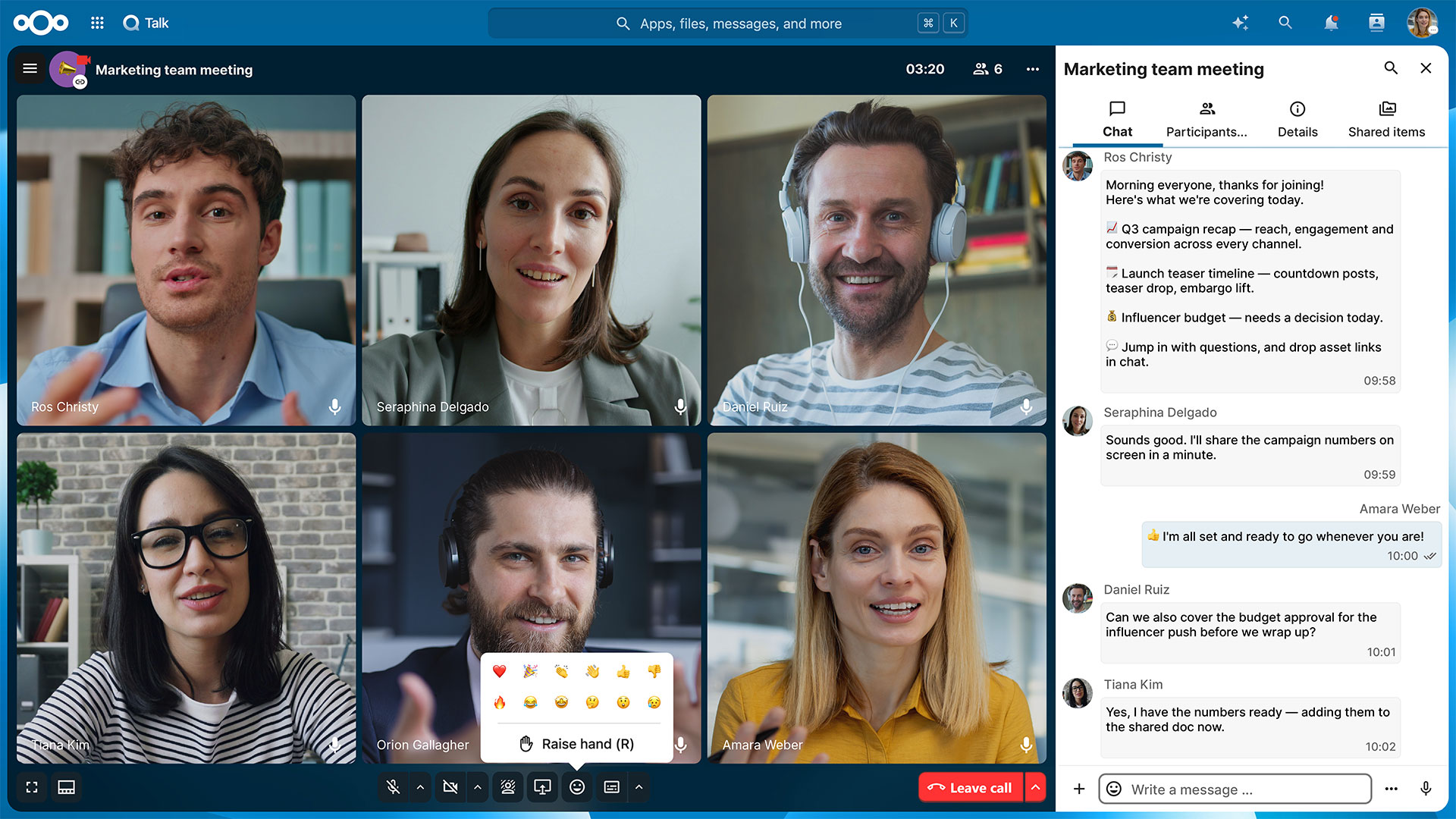
 Nextcloud Talk
Coordinate staff meetings and non-emergency operational reviews.
Official product page ↗Security & Data Protection
Define which workflows belong in the workspace, who can access them and how the institution keeps them recoverable.
Nextcloud HubMap staff groups and partner roles. Test access removal and the handling of shared files when a staff member leaves.
Classify documents before sharing. Agree hosting, backups, encryption scope and administrator access for each approved workflow.
Define which events to log, who reviews them and how long the institution keeps the evidence.
Test restoration and agree operational responsibilities so staff know where to find critical working documents during disruption.
In a healthcare institution
Pilot an approved staff procedure using test accounts and documents without patient data. Before adding a sensitive workflow, review the data flow, authorization, hosting, logs and recovery with the institution’s responsible teams.
Applicable requirements
YOUR PLATFORM. YOUR OPERATING MODEL.
Choose who operates the platform. We define the deployment, responsibilities and support scope with you before implementation.
For organizations that want to run Nextcloud on their own or agreed private infrastructure.
For teams that want a defined operational service alongside their collaboration platform.
Proposed service scope. Hosting, subscription, response times, recovery objectives and pricing are confirmed in the written offer. Managed service is an operating model; it can include Nextcloud Enterprise.
QUESTIONS BEFORE YOU START
Yes. Use the workspace for agreed collaboration such as policies, operational documents and staff reviews. The designated clinical systems retain their role in patient records, laboratory results and imaging.
Any clinical integration or patient-data exchange needs a separate design and acceptance review. Map which system owns the record and how permissions, errors and retention are handled.
Start with a defined work package, such as a non-clinical procedure or a quality review. Decide whether the partner needs an account or a controlled link and assign a responsible workspace owner.
Test what the recipient can see and do, how access expires and how the team handles files already downloaded. Review any exchange involving patient data separately.
Choose between infrastructure operated by your institution and a hosting environment agreed during design. Document primary data and backup locations, administrator access, support responsibilities and recovery procedures.
Bring any procurement, hosting or remote-access conditions to the review. Confirm them against the design and written terms before putting real data into scope.
Start with one operational workflow, test users and documents without patient data. Check staff sign-in, access from the devices they use, partner permissions, revocation and restoration.
Define acceptance criteria with the workflow owner and the privacy and IT teams. Review the results before adding further departments or sensitive processes.
Start with one workflow
Select one operational workflow. Map staff roles, partner access and the types of documents involved.
Use test accounts and non-patient material. Check permissions, version handling and recovery before the team relies on the workspace.
Document ownership, training and support. Review any new data category or clinical workflow with the responsible institutional teams.
CASE STUDIES & CUSTOMER STORIES
See how hospitals, researchers and a medical practice use Nextcloud for different kinds of work.
Netherlands · Hospital
Nextcloud’s customer story describes how ZGT selected an on-premises deployment to retain control of its collaboration environment and the data it handles.
External customer reference · Published by NextcloudRead the Nextcloud story ↗Germany · Biomedical research
The medical center’s fredato platform uses Nextcloud for research data collaboration. Its user guide shows how researchers open DICOM files, switch series, scroll slices and adjust image levels in the viewer.
Research workflow · Documented by Freiburg IMBISee the documented DICOM workflow ↗About the Freiburg project ↗France · University hospital
The university hospital’s 2019 activity report records the introduction of a Nextcloud workspace for secure file sharing in its information security programme.
Deployment reference · Published by CHU de MontpellierRead the hospital activity report (PDF, French) ↗Italy · Medical practice
Implementation provider XKDIGITAL describes a Nextcloud portal with separate patient areas for reports and other documents. The project included migration from Google Drive, staff training and ongoing support.
Implementation case study · Published by XKDIGITALRead the provider case study ↗External references are credited to their original publishers. Freiburg documents DICOM viewing in a research setting. The other references describe hospital collaboration, file sharing or a patient document portal.