Architects & design teams
Share drawing packages, specifications and revisions with consultants. Keep project files organized and control who can change or download them.

NEXTCLOUD FOR CONSTRUCTION & ENGINEERING
Keep drawings, documents and project conversations connected — from the design office to the construction site.
Give architects, engineers, contractors and project owners a shared workspace with access defined by you.

 Construction & EngineeringFiles · Office · Talk

BUILT AROUND THE WAY PROJECTS WORK
Reduce scattered attachments and disconnected file transfers. Organize project information around the people who need it.
Share drawing packages, specifications and revisions with consultants. Keep project files organized and control who can change or download them.
Exchange calculations, technical reports and model files across disciplines. Use version history and comments to keep document discussions connected.
Access agreed project documents on web, desktop and mobile. Collect site photographs and reports in the right project folders. Plan synchronization for intermittent connectivity.
Give stakeholders visibility into agreed document sets. Organize progress reports, contracts and handover materials with permissions that match each participant’s responsibility.
FROM FILE EXCHANGE TO PROJECT COLLABORATION
Use project folders and sharing permissions for CAD/BIM files and PDFs. Test representative file sizes, desktop workflows and synchronization before rollout.
Co-edit supported office documents using the selected office integration. Keep meeting minutes, schedules and specifications alongside the project files.
Define named access or controlled sharing links with appropriate permissions, passwords and expiry policies. Review access as partners join and leave.
Use Talk for team discussions and meetings, with deployment capacity planned for your expected usage.
Configure version history, activity and audit logging to support accountability. Define retention and review responsibilities for each project.
Agree folder structures, deliverables and access at project completion. Export and archive according to your organization’s retention policy.
SEE THE PLATFORM BEHIND THE WORKFLOW
Official product examples from Nextcloud. Screens show demonstration content, not a NATIVITY customer deployment.
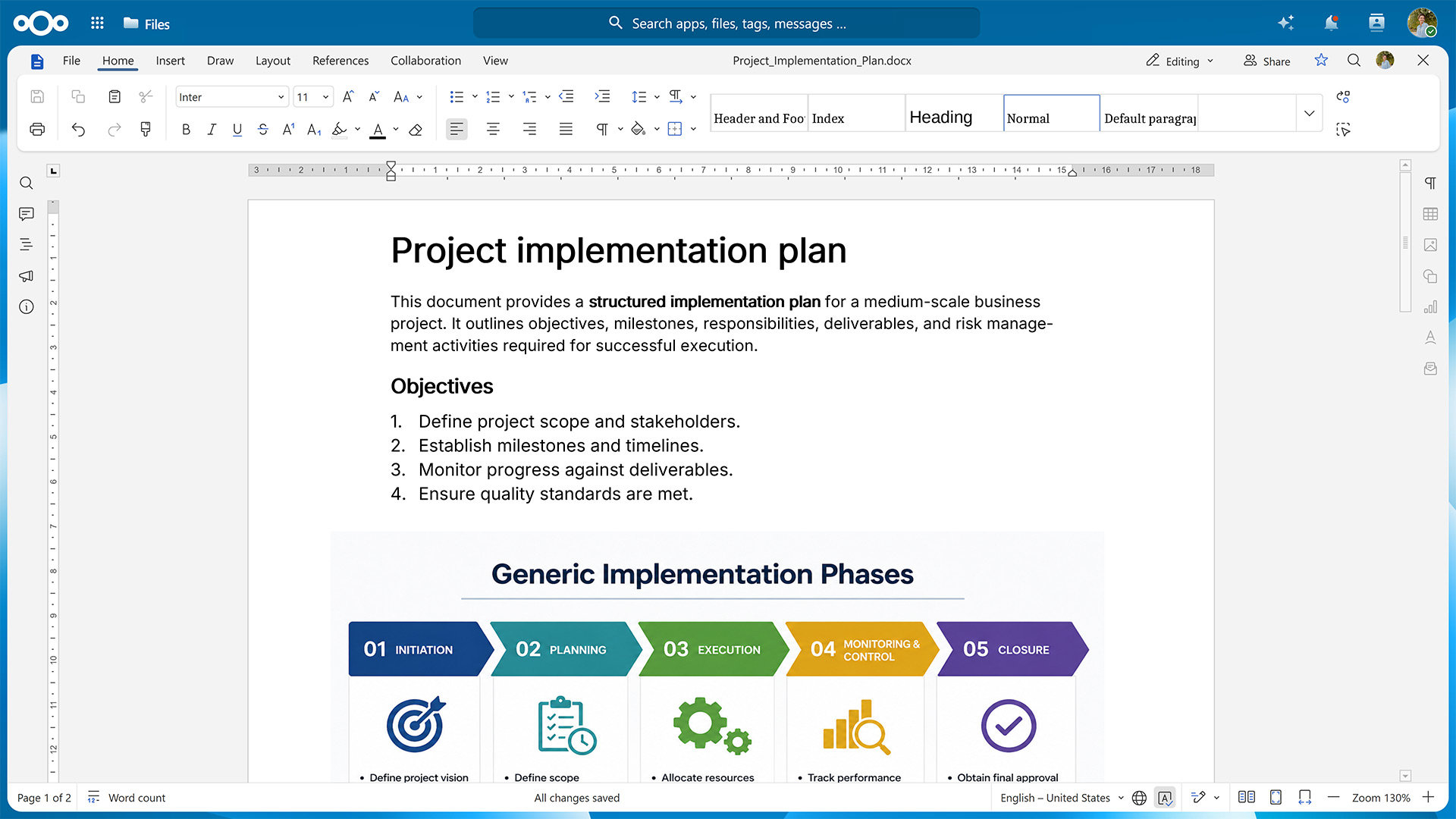
 Nextcloud Office
Work together on supported meeting minutes, reports and schedules.
Official product page ↗Security & Data Protection
Give each project partner the right access to drawings, tender documents and site records, from first issue to handover.
Nextcloud HubGive architects, site teams and subcontractors access to the folders they need. Set expiry dates for temporary sharing.
Keep drawings, bids and site reports in project folders with agreed permissions for viewing, editing and sharing.
Use version history to trace revisions. Configure activity logging and decide who reviews it.
Agree backup ownership and test restoration of project files before handover.
On a construction project
Give the site team read access to issued drawings and let design leads update working files. Set a separate sharing window for the subcontractor. At handover, revoke temporary access and assign ownership of the records.
Applicable requirements
YOUR PLATFORM. YOUR OPERATING MODEL.
Choose who operates the platform. We define the deployment, responsibilities and support scope with you before implementation.
For organizations that want to run Nextcloud on their own or agreed private infrastructure.
For teams that want a defined operational service alongside their collaboration platform.
Proposed service scope. Hosting, subscription, response times, recovery objectives and pricing are confirmed in the written offer. Managed service is an operating model; it can include Nextcloud Enterprise.
A PRACTICAL START
Map one project, its participants, data locations and existing tools. Identify the main source of collaboration friction.
Test representative drawings, sharing permissions, mobile access and document collaboration with a bounded team.
Migrate agreed information, train teams and verify recovery. Expand with clear ownership and support responsibilities.
QUESTIONS BEFORE YOU START
Yes. Designers keep working in their specialist applications. Nextcloud can be used to distribute agreed deliverables, such as issued PDFs, drawing sets or IFC exports, and to give project partners access to the current release.
During the pilot we use your actual files and applications to test linked references, large uploads, file locking and synchronization. That helps decide which working files can be synchronized and which should stay in the authoring environment.
Choose between infrastructure you operate and a hosting environment agreed during solution design. Before deployment, we document where primary files and backups reside, who can administer each system and how data is exported or restored.
If your procurement or contracts specify a country, a provider or limits on remote support access, bring those requirements to the design review. We confirm them against the proposed deployment and service terms.
Yes. For example, a subcontractor can receive access to the issued drawings for its work package, while the design team keeps editing rights to working files. Decide which partners need named accounts and which can use a controlled link.
Before rollout we test how a partner signs in, what they can view, edit or download, when access expires and how it is revoked after their assignment ends.
Nextcloud can support document exchange within a Common Data Environment (CDE) process. For a project that specifies a standard or contractual workflow, map who can issue a drawing, how revisions are approved, and how superseded files and handover records are kept.
Test those steps with a sample drawing package and agree what evidence the client will accept. Record any specialist CDE tools or additional workflow controls that the project requires.
CASE STUDIES & CUSTOMER STORIES
Explore real deployments and the workflows behind them. Each example links to its original publisher.
Germany · Infrastructure engineering
DEGES coordinates complex transport infrastructure projects across planning teams, architects, construction supervisors and contractors. The published story describes controlled document exchange across departments and external organizations.
Official case study · Published by Nextcloud. The €22 billion portfolio in the 2019 story is historical context.Read the Nextcloud story ↗Germany · Construction
The construction company uses Nextcloud for access to building-project files and password-protected links for large customer deliveries. innofabrik describes hosting the service in Germany.
Provider project story · Published by innofabrikRead provider story (German) ↗USA · Engineering education
A student aerospace team brought engineering files, communication and planning into a self-hosted workspace. This is an engineering-education deployment, rather than a construction contractor or factory reference.
Related engineering example · Published by NextcloudRead the Nextcloud story ↗These are external Nextcloud customer references or stories published by the named implementation providers. They are not presented as NATIVITY implementations. Related engineering examples are labelled separately; individual outcomes depend on the deployment.




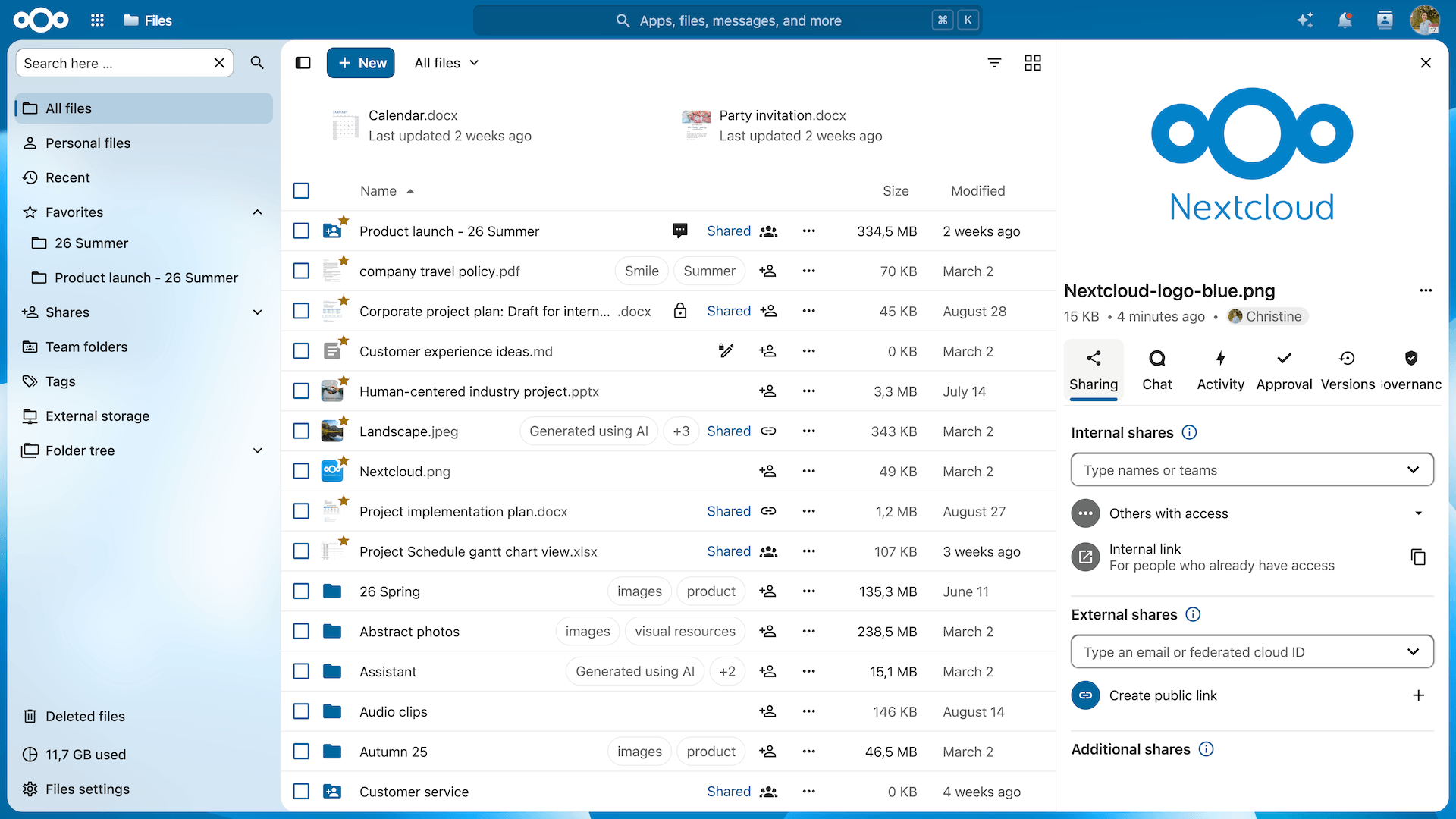
 Nextcloud Files
 Nextcloud Talk