Organize the working day
Bring calendars, contacts and mail into scope with Nextcloud Groupware, according to your existing systems and requirements.

NEXTCLOUD BY NATIVITY
Files, documents and conversations in a collaboration environment governed by your organization.
Connect Nextcloud with your identity, storage, backup and security architecture. Choose Enterprise deployment support or an agreed Managed service.
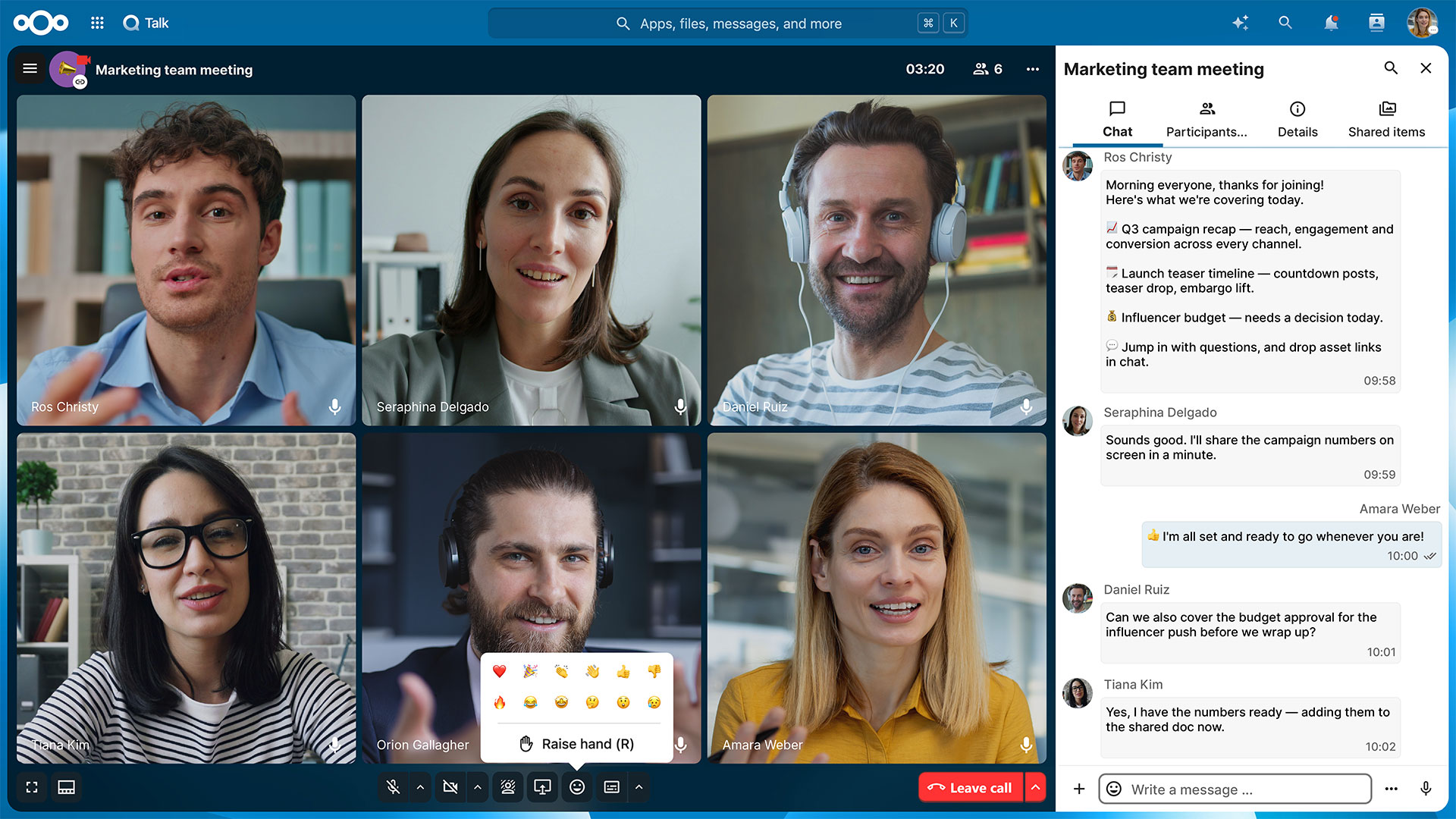
 Nextcloud TalkOfficial Nextcloud product screen
EXPLORE NEXTCLOUD HUB
Files, document editing, meetings, email, calendars and project boards — see the tools your teams can use together in one governed workspace.
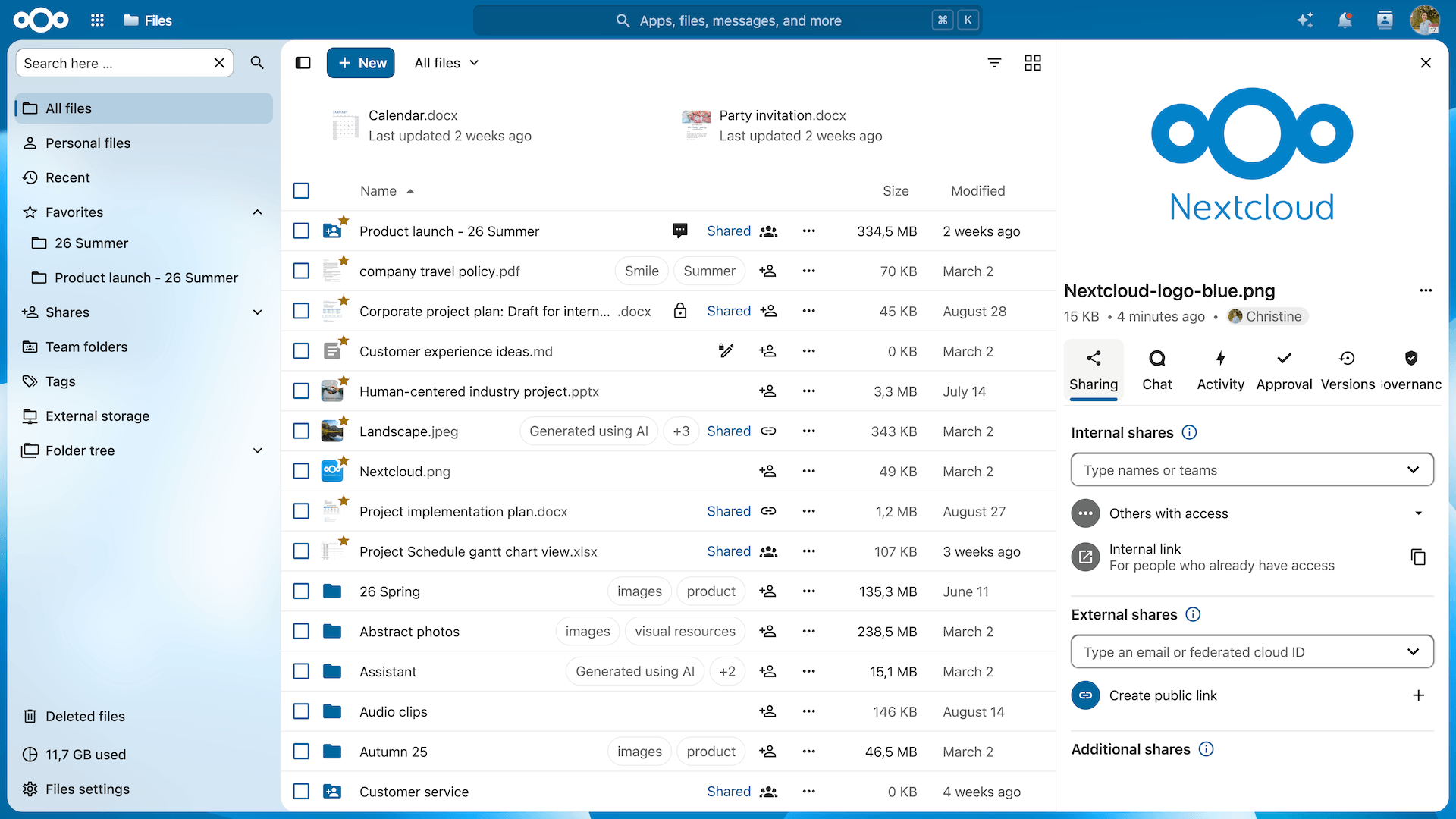
Nextcloud Files
Bring shared folders, external file exchange and everyday access into one workspace. Give people the information they need with permissions that reflect their role.
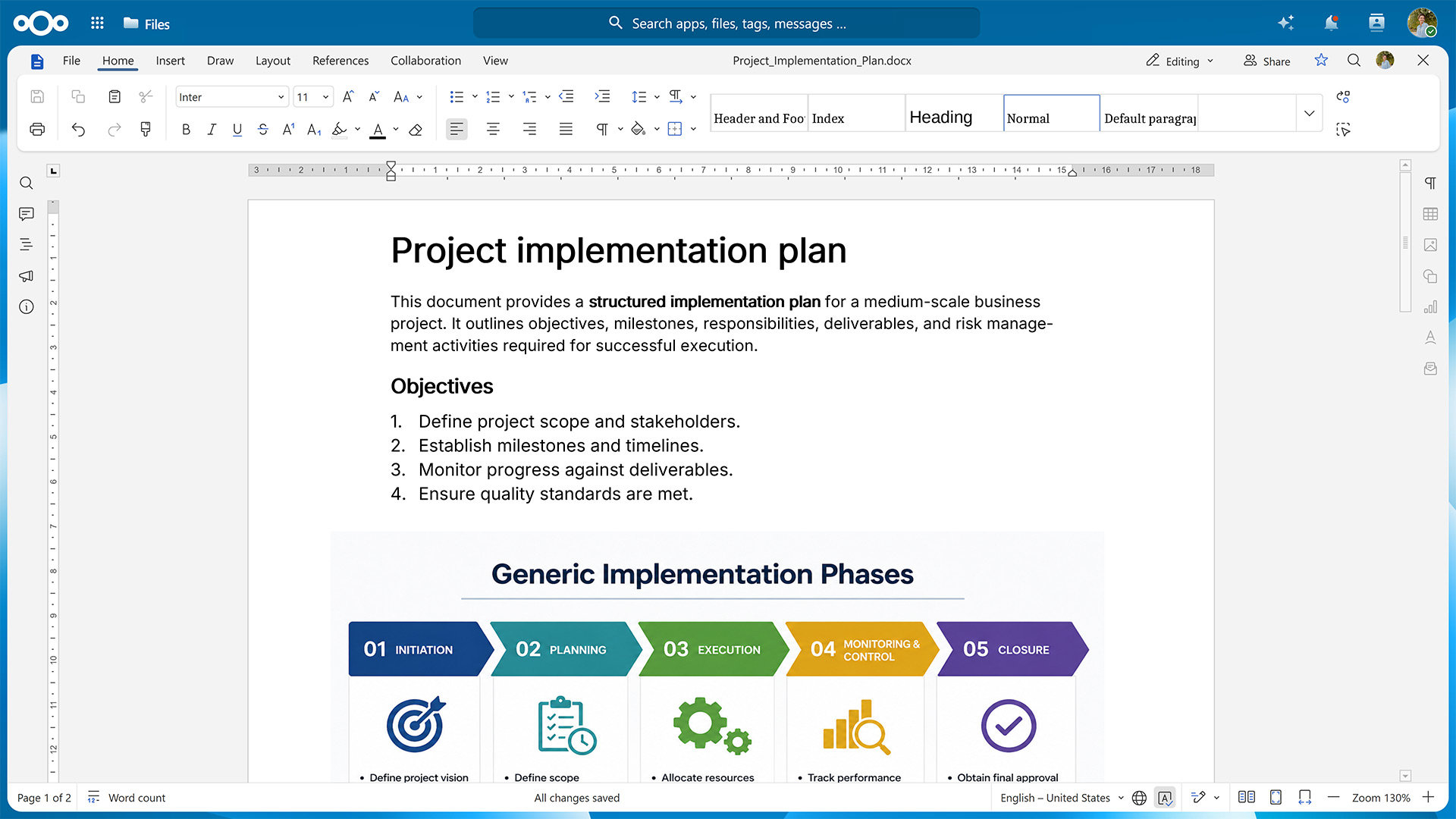
Nextcloud Office
Collaborate on documents, spreadsheets and presentations alongside your files. Agree the office integration and test representative formats before rollout.
Nextcloud Talk
Bring team chat and video meetings into your collaboration environment. Coordinate work without separating the discussion from the people and information involved.
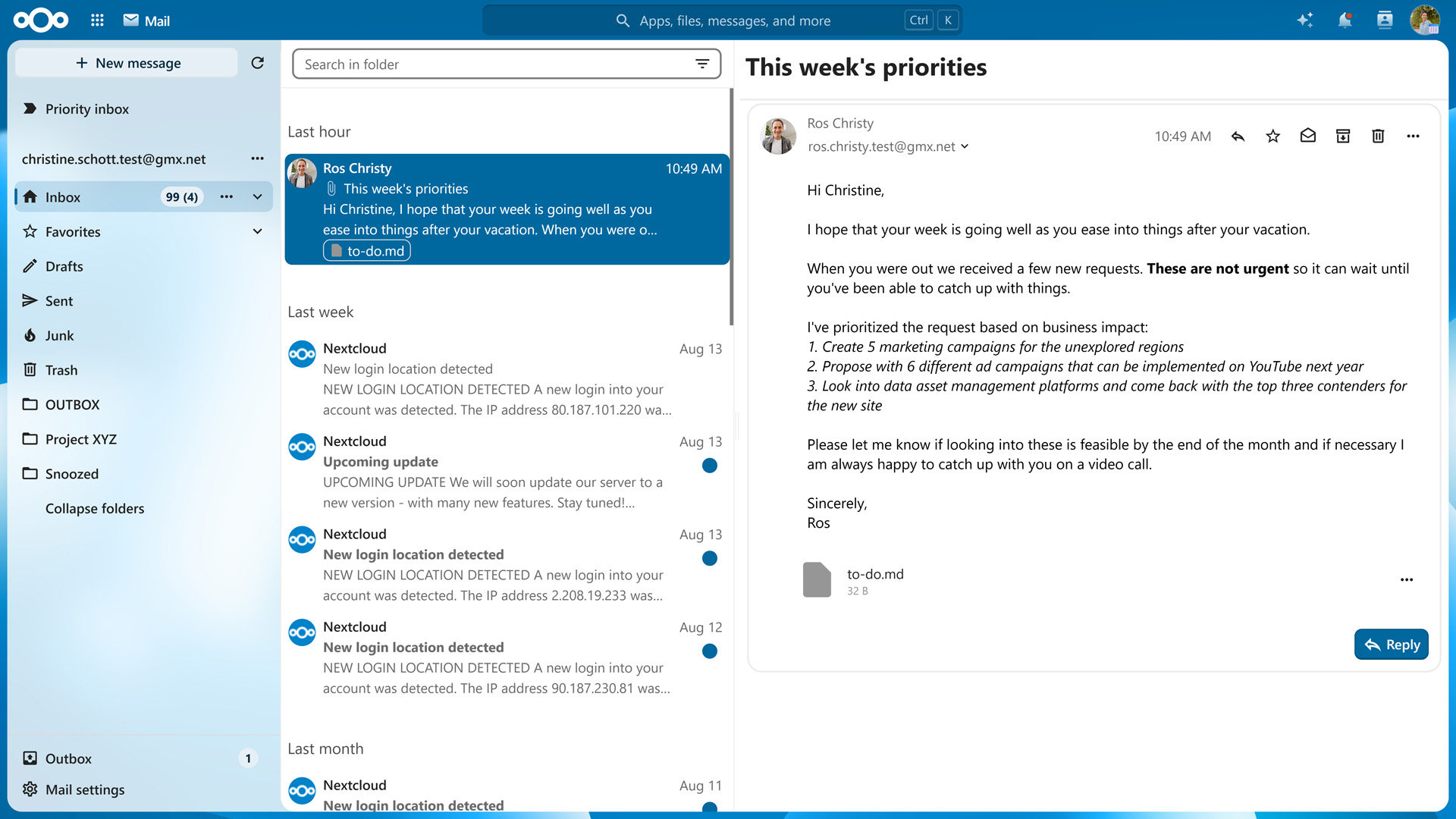
Nextcloud Mail
Connect existing IMAP accounts and keep email alongside files, calendars and contacts. Nextcloud Mail is a client; mail-server hosting is a separate deployment decision.
Nextcloud Calendar
Coordinate shared calendars, meeting invitations and appointments. Keep schedules in the same environment as your team’s files and communication.
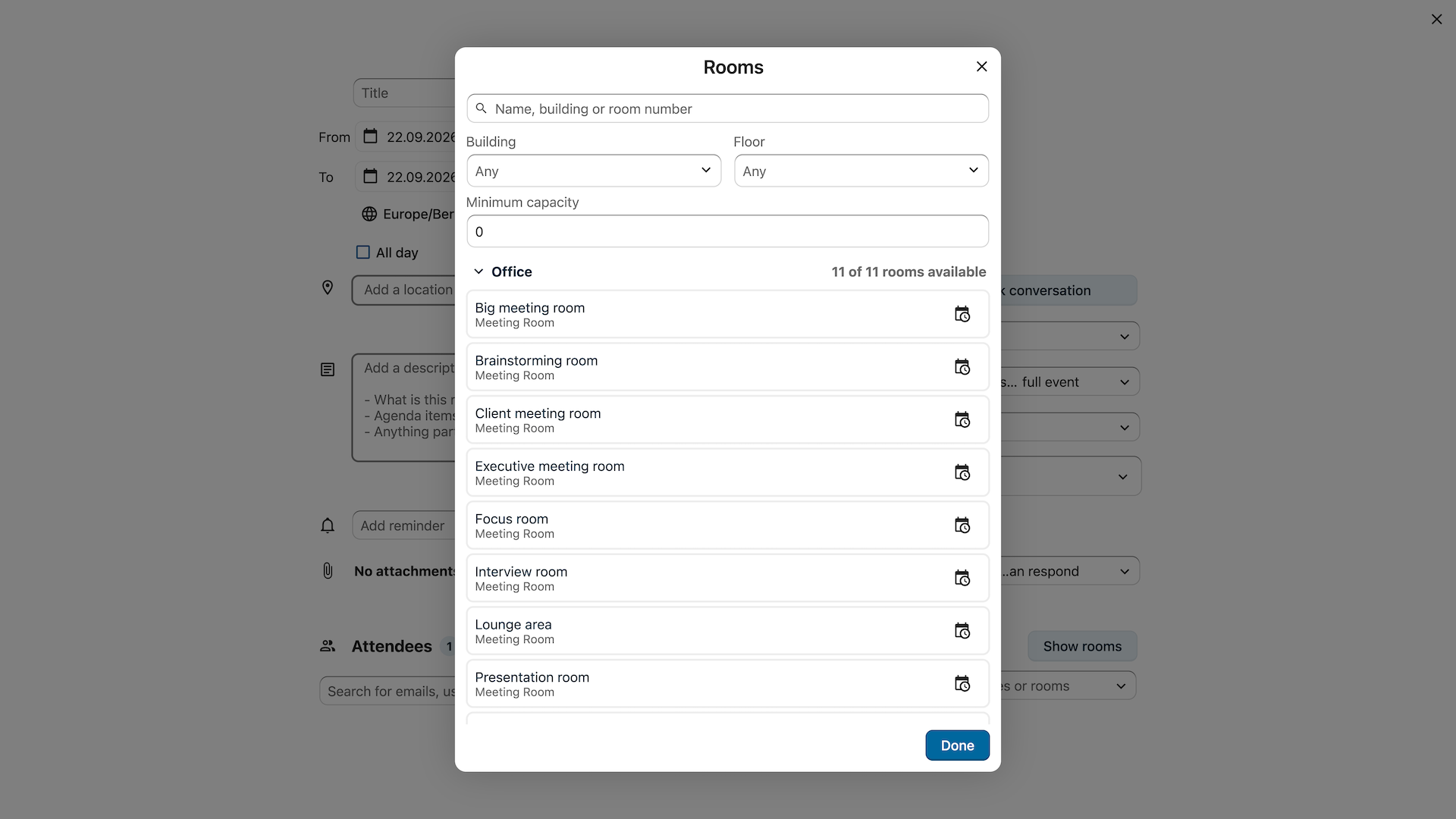
Nextcloud Deck
Organize project work on shared boards with assigned tasks, due dates and attached files. Bring day-to-day coordination closer to the documents your team uses.
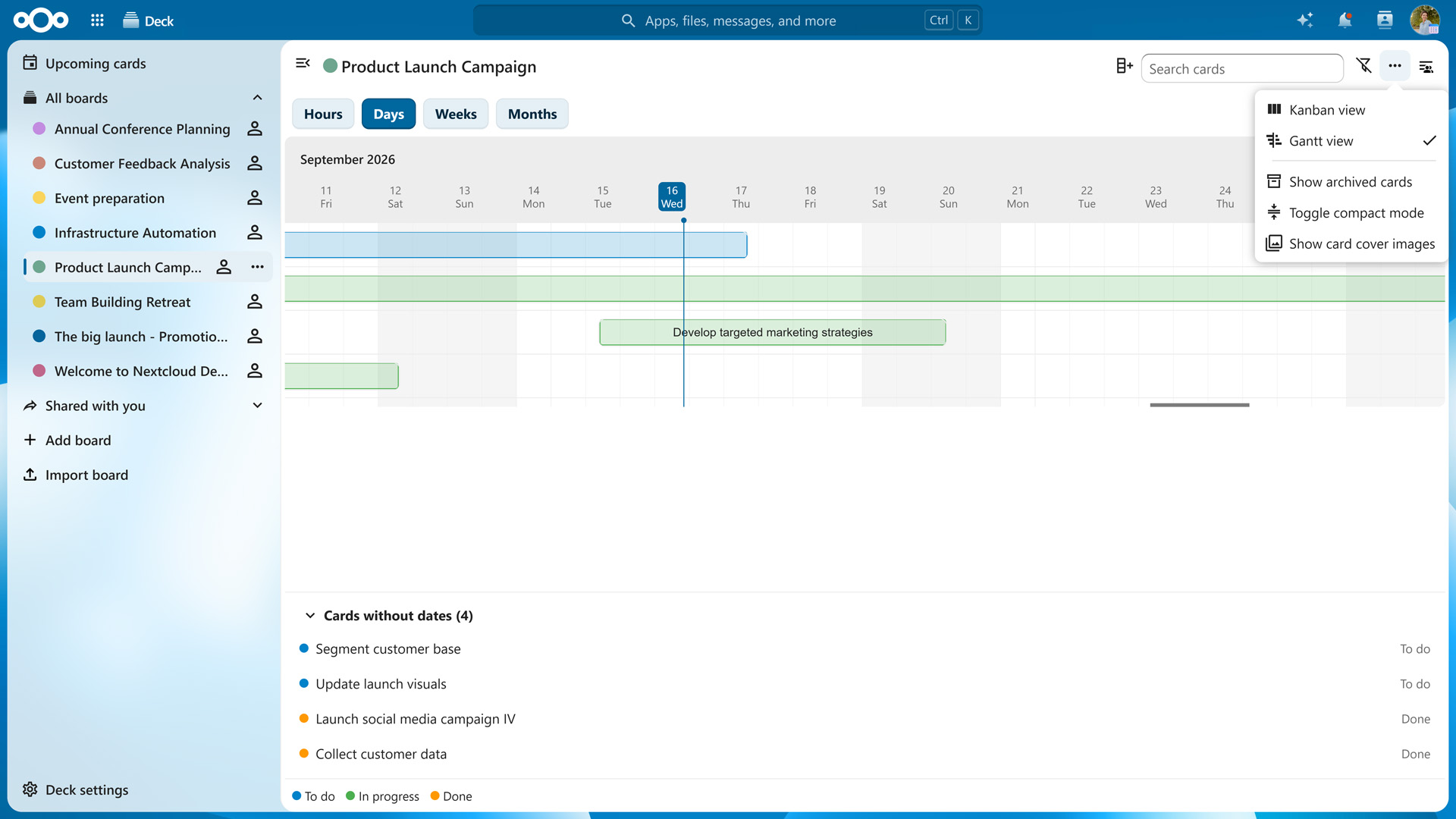
Official Nextcloud demonstration screens, not NATIVITY customer data. Features depend on edition, apps, integrations and configuration. We confirm the scope with you before implementation.
A WORKSPACE THAT FITS YOUR ENVIRONMENT
Bring calendars, contacts and mail into scope with Nextcloud Groupware, according to your existing systems and requirements.
Plan identity, storage, backup and selected business integrations as part of the wider architecture.
Agree access policies, maintenance, support and recovery responsibilities. Choose Enterprise deployment support or a Managed service.
Security & Data Protection
Connect collaboration with your access policies, data protection and operational responsibilities.
Nextcloud HubMFA, identity and sharing permissions.
TLS, storage encryption and key planning.
Audit logs, retention and access reviews.
Updates, backups and restoration checks.
For your organization
For a shared project, assign a workspace owner who can review members and external links. Decide which files require restricted access, who reviews activity and who is responsible for restoring project data. Test the setup with a representative group before expanding it.
Applicable requirements
Security and authentication ↗ · Enterprise compliance capabilities and documentation ↗
NEXTCLOUD FOR INDUSTRIES
Find the workflows and deployment options that fit your industry.
Drawings, site teams and project partners in one workspace.
ExploreTechnical files and supplier collaboration, with access under control.
ExploreA shared environment for teaching, research and institutional knowledge.
ExploreConnect departments and institutions around governed information.
ExploreControlled document exchange for clients and professional teams.
ExplorePrivate staff collaboration and approved document exchange for healthcare institutions.
ExploreYOUR PLATFORM. YOUR OPERATING MODEL.
Choose who operates the platform. We define the deployment, responsibilities and support scope with you before implementation.
For organizations that want to run Nextcloud on their own or agreed private infrastructure.
For teams that want a defined operational service alongside their collaboration platform.
Proposed service scope. Hosting, subscription, response times, recovery objectives and pricing are confirmed in the written offer. Managed service is an operating model; it can include Nextcloud Enterprise.
DELIVERY BY NATIVITY
Start with requirements and a representative pilot. Confirm integration, migration, training, security and recovery scope before wider rollout.
Explore our wider cloud architecture approach ↗QUESTIONS BEFORE YOU START
Nextcloud Enterprise is a subscription and support option. Managed describes who operates the deployment. An organization can operate Nextcloud Enterprise on its own infrastructure or agree a Managed service that includes Enterprise.
Decide who will handle upgrades, monitoring, backup, recovery and user support. We use that division of responsibility to define the proposed subscription and service scope.
Choose between infrastructure you operate and a hosting environment agreed during solution design. Before deployment, we document where primary files and backups reside, who can administer each system and how data is exported or restored.
If your procurement or contracts specify a country, a provider or limits on remote support access, bring those requirements to the design review. We confirm them against the proposed deployment and service terms.
Begin by mapping current folders, permissions, sharing links and identities. Pick a representative group and migrate a sample set first, including files with different sizes and access patterns.
Check what can be carried over and what needs rebuilding, such as old links or group permissions. Agree the cutover window, user communications and rollback criteria before moving the wider organization.
Choose two or three daily workflows, such as editing a shared document, exchanging files with an external partner and restoring a deleted file. Use the devices, identity setup and file formats your teams rely on.
Agree success criteria for usability, access and recovery. Record which apps and integrations are in scope so the rollout plan reflects what was actually tested.